


Help with your wireless keypad
A wireless keypad is the ultimate in convenience, giving you access to your garage by entering a PIN.
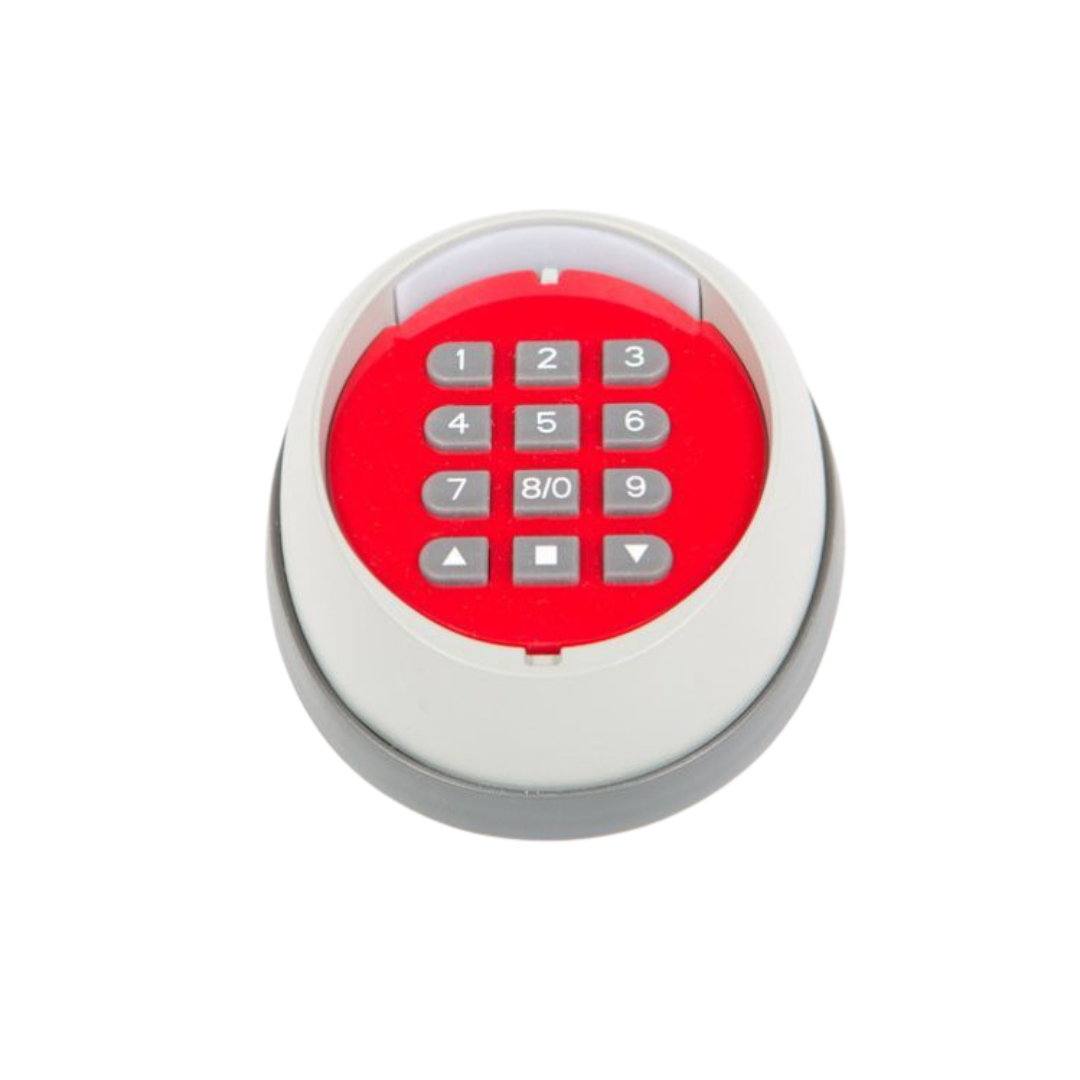
Neco wireless keypad
To activate
To activate your door, enter the passcode followed by the ‘up’ or ‘down’ arrows. The ‘stop’ button halts the operation at any time. The initial passcode is “11”.
Changing the passcode
- Press ‘1’ then ‘up’ and wait for 5 beeps.
- Press and hold ‘stop’ followed up ‘up’ together, wait for 1 constant beep.
- Input old passcode and press ‘up’ and wait for 1 beep.
- Input new passcode (can be a maximum of 8 digits), then press ‘up’. Repeat this process twice, 1 beep indicates passcode has been successfully changed.
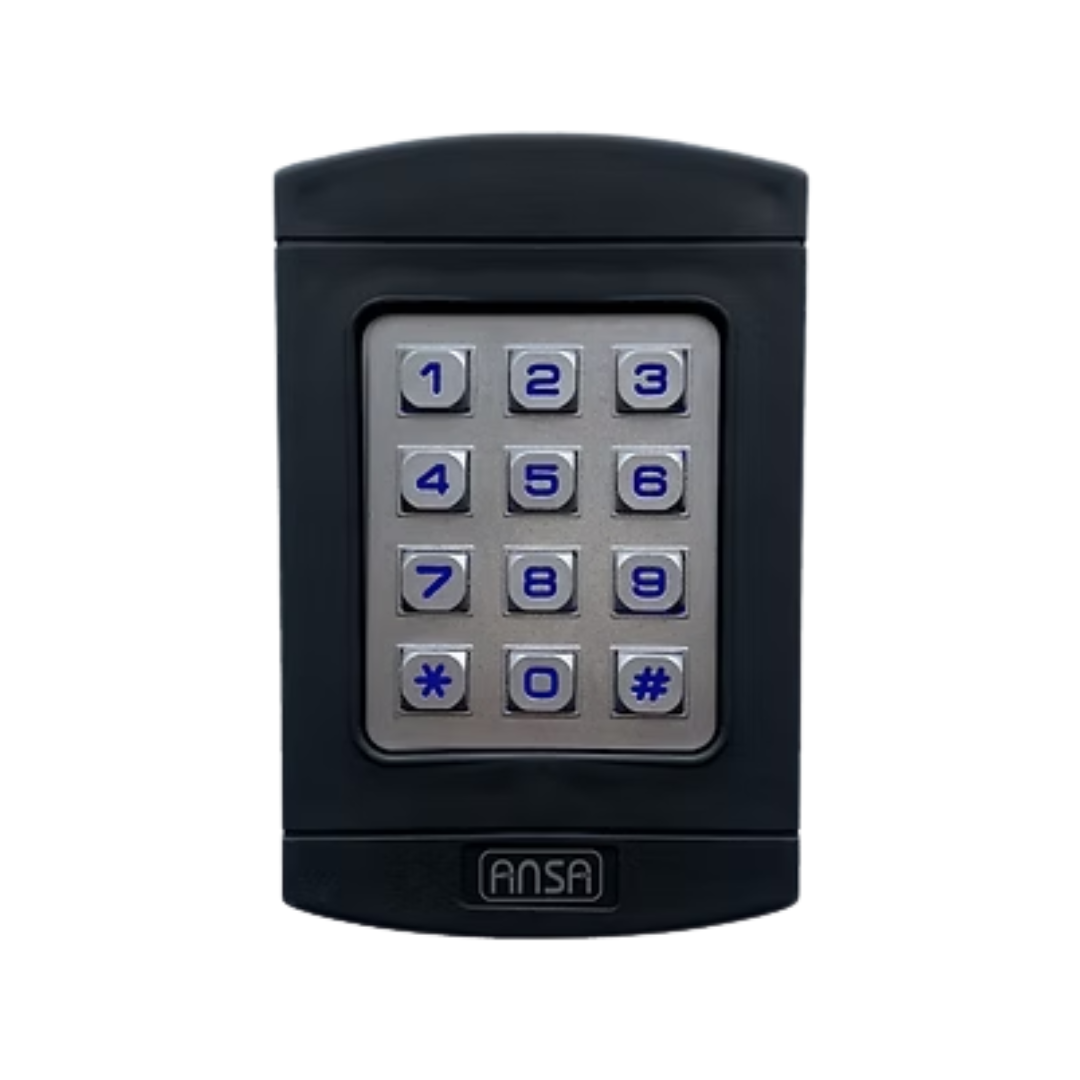
Ansa DK-14 wireless keypad
To activate
To activate your door, enter your passcode and then press any numerical digit 0-9 to operate the door.
Changing the passcode
E.g. from ‘1234’ to ‘5689’ (your code can be 4-6 digits long)
- Press # 9999 # 1234 # 5689 #5689. The LED keys will flash twice confirming the new access code.
Note: The keypad will automatically switch off if a mistake is made when entering the new access code. You may then repeat the code change sequence.
Haven’t found what you’re looking for?
Need more help with your wireless keypad? Give our customer care team a call, fill in the contact form or click the live chat icon and we'll be happy to assist.
Help Centre home > Choose your remote fob > Help with wireless keypads