


Help with Your Hiland Fob
Your Garolla remote fob makes operating your garage door quick and convenient. On this page, you’ll find step-by-step guidance for pairing your Hiland fob and replacing its battery, so you can keep everything running smoothly.
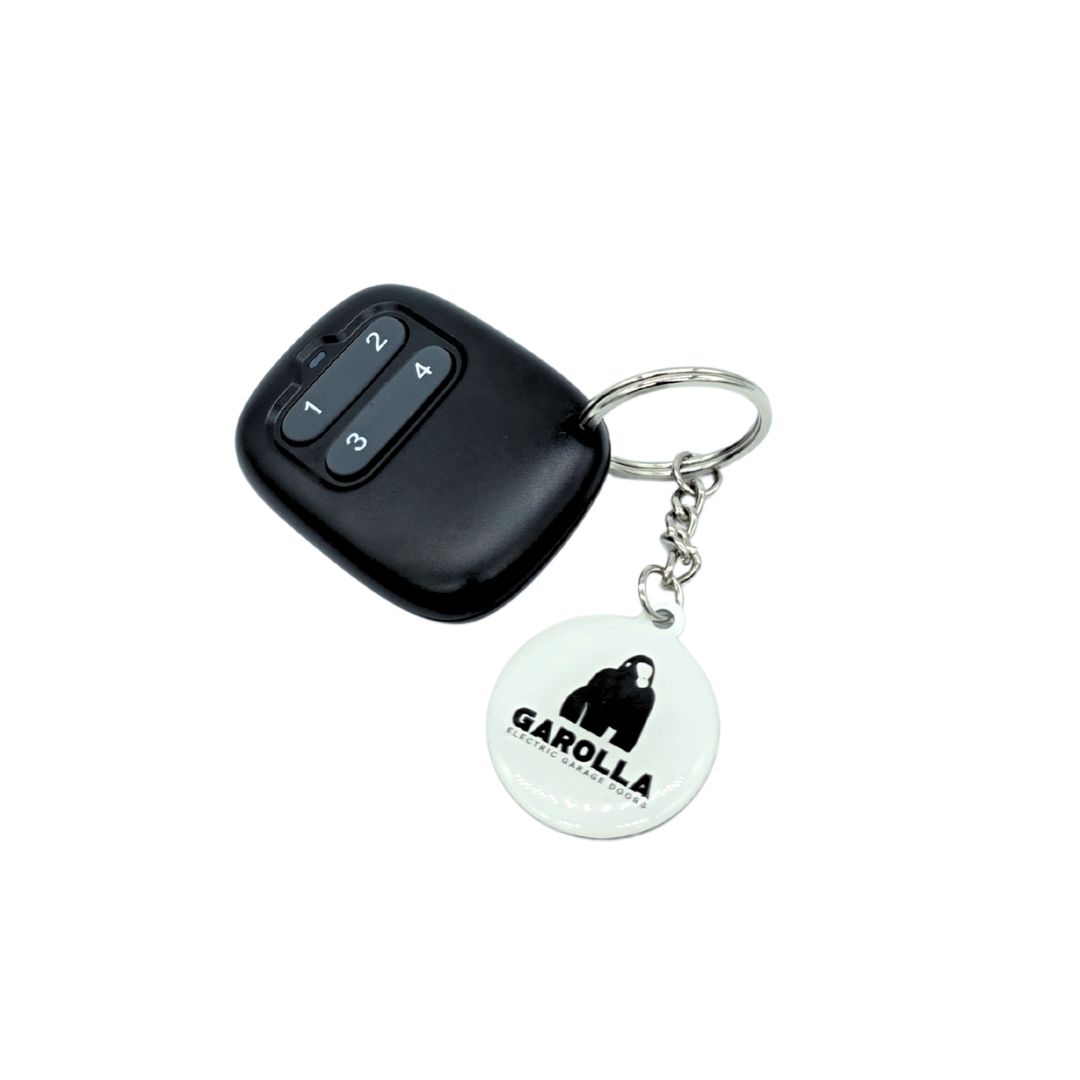
Hiland fobs remote programming
- Remove the front cover of the control box by sliding the cover upwards - This is the box attached to the wall of the garage.
- Press and hold the Program learn button which is located to the top right of the control box for 2 seconds until the LED lights up.
- Immediately after step 2, press and repeatedly press the "1" button until a click is heard then its paired.
Please Note: If the learning button is pressed for 10 seconds, it will wipe out the existing memory and wireless handsets will have to be re-programmed.
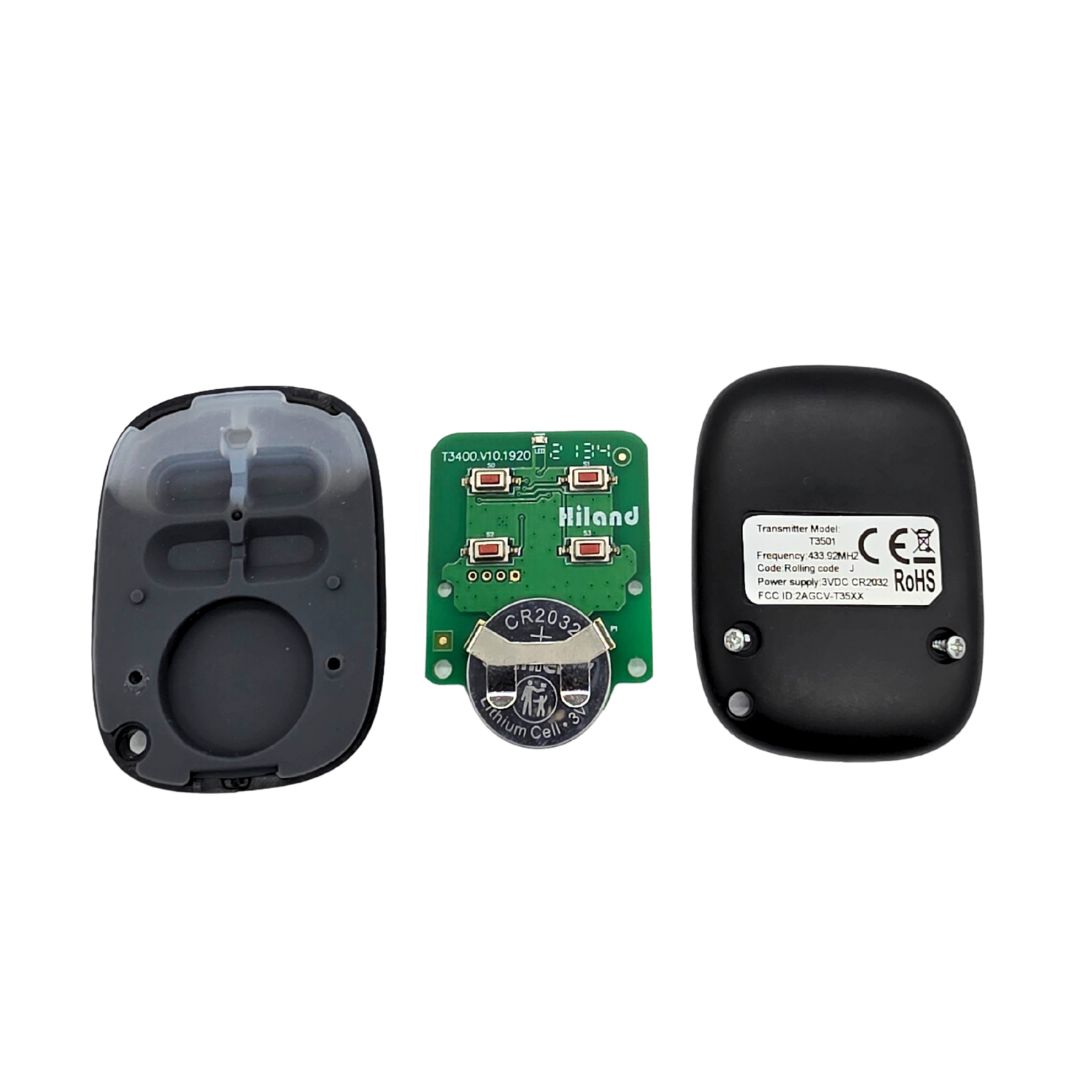
Replacing the battery
You’ll need:
- 1 × CR2032 coin cell battery
- Small Phillips screwdriver
Steps:
- Place the remote face-down on a soft surface.
- Remove the screw on the back with a small Phillips screwdriver and set it aside safely.
- Lift off the back cover.
- Take out the old CR2032 battery, noting the way it’s positioned (+ side facing up).
- Insert the new CR2032 battery in the same orientation.
- Replace the back cover and screw it closed.
- Test the remote by pressing a button to make sure it operates your door.
Tip: Make sure the battery is inserted with the correct polarity. If the fob doesn’t work after replacing the battery, check the contacts are clean and properly seated. Some systems may require reprogramming after battery replacement.
Haven't found what you're looking for?
If you can’t find an answer to your problem, our customer care team is on hand to help. Get in touch via the methods below, or click on our live chat icon...
Help Centre home > Choose your remote fob > Black Neco fob