


Help with your ANSA TEC 2 Fob
Your Garolla remote fob makes operating your garage door quick and convenient. On this page, you’ll find step-by-step guidance for pairing your ANSA TEC-2 fob and replacing its battery, so you can keep everything running smoothly.
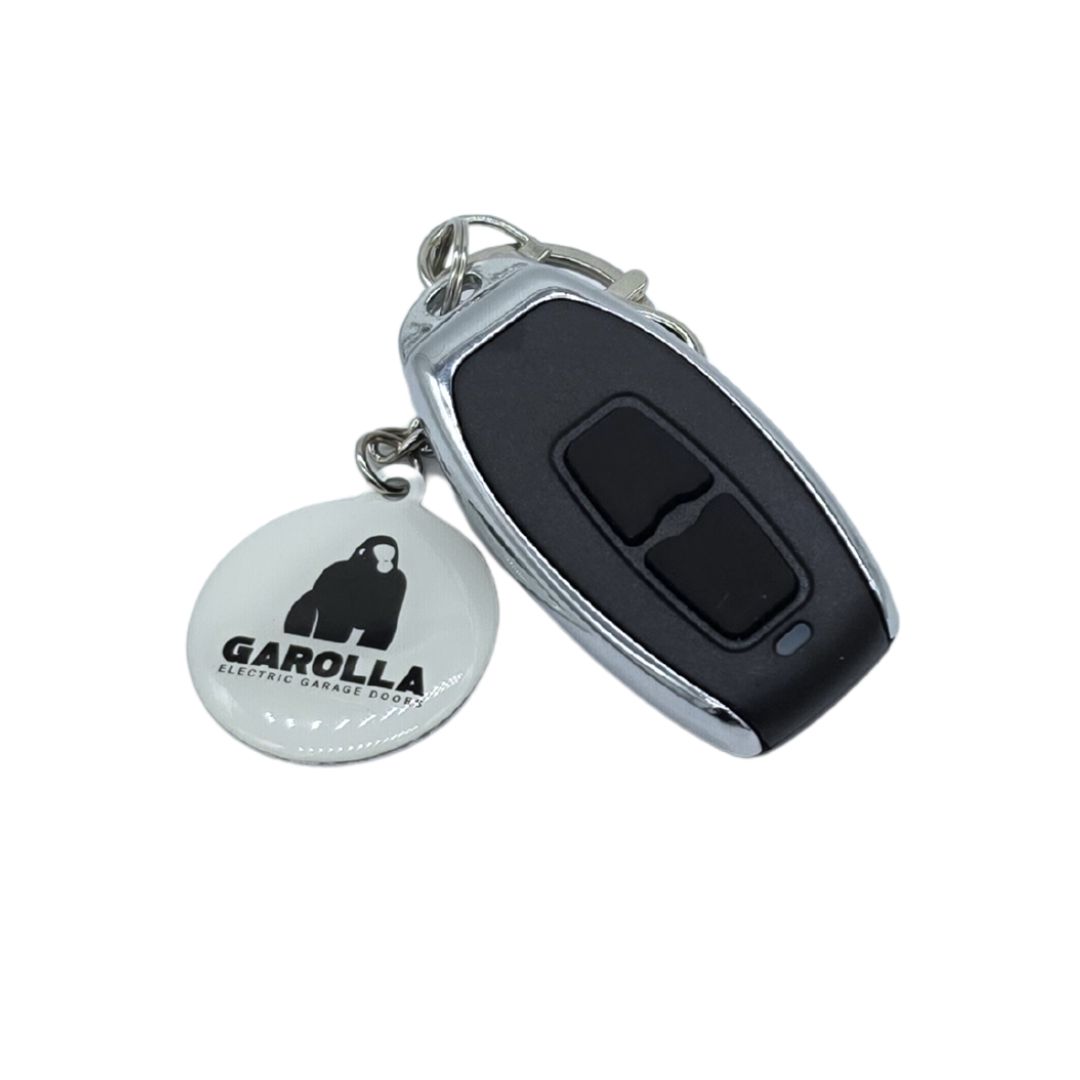
ANSA TEC-2 fob remote programming
- Push and hold the white operating button on the wall box for 5 seconds until the red LED goes out.
- Take the new Keyfob to be added and press the designated button once.
- The red LED indicator on the wall box will flash with each registered keyfob
- Once added; Wait one minute for the red LED indicator to switch back to its normal state.
Repeat for all keyfobs needing coding.
The door is now ready for normal use.

Replacing the battery
You’ll need:
- 1 × CR2032 battery
- Small Phillips screwdriver
Steps:
- Remove the three screws on the back to release the casing. Using your fingernail, gently slide the battery out of the metal housing on the circuit board.
- Replace the CR2032 battery with the '+' end facing upwards.
- Refit the casing and screws on the back.
Follow the steps above to re-pair the remote.
Tip: If it doesn’t work, double-check the battery orientation and that the contacts are clean.
Haven't found what you're looking for?
If you can’t find an answer to your problem, our customer care team is on hand to help. Get in touch via the methods below, or click on our live chat icon...
Help Centre home > Choose your remote fob > ANSA TEC-2 fob